

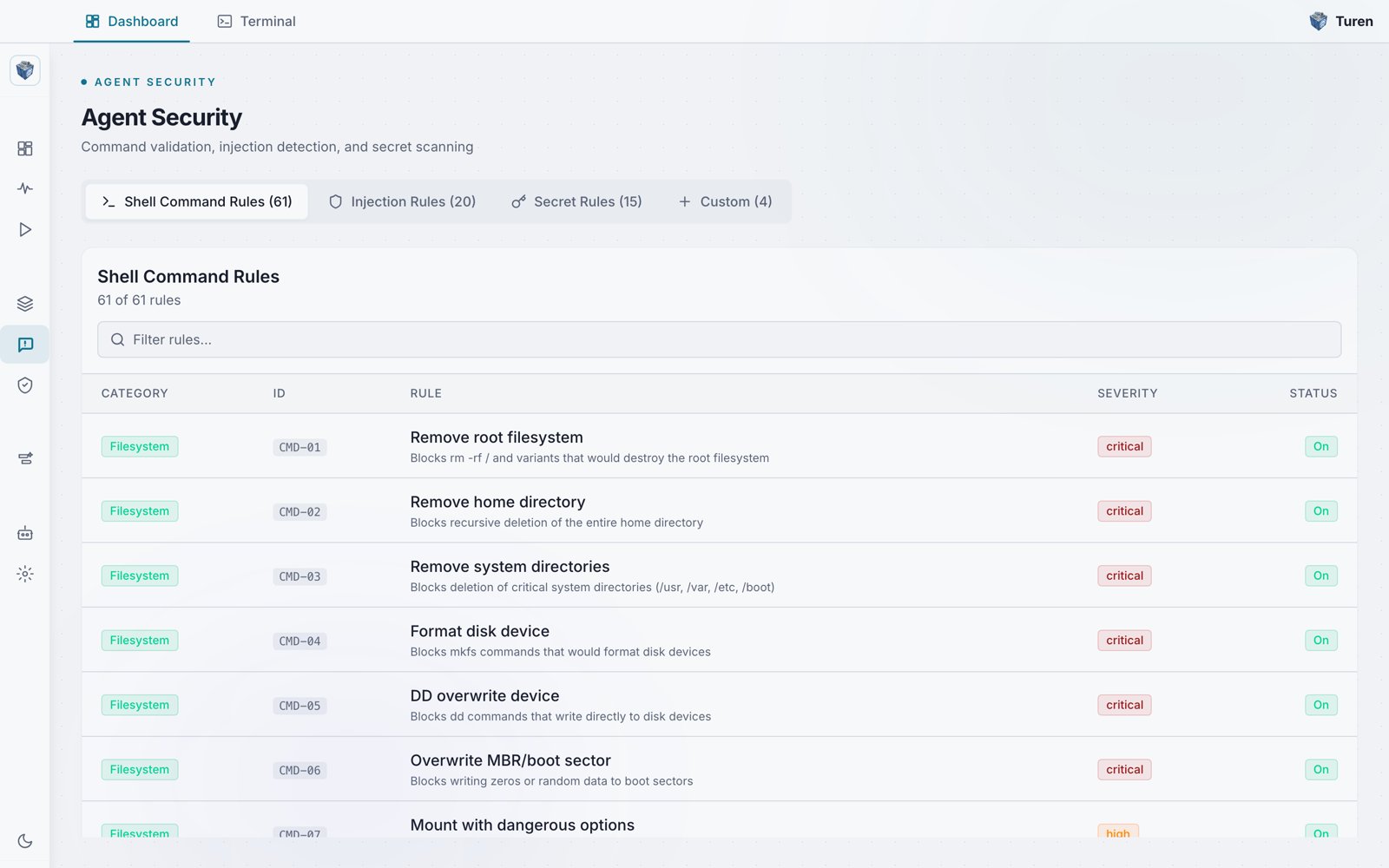
The Agent Security page: Shell Command, Injection, Secret, and Custom rule tabs, with each rule showing its category, ID, severity, and on/off status.
Where to Find Security Rules
Security rules are managed under the Agentic Security section in the sidebar (ShieldCheck icon). There are three pages:Rule Categories
Command Validation
61 rules that block destructive shell commands before execution.
Prompt Injection
20 rules that detect attempts to hijack AI agent behavior.
Secret Detection
15 rules that prevent credentials and secrets from leaking.
How Rules Work
Rules are pattern-based checks evaluated as agent hooks (Claude Code, and Codex in preview) on LLM requests and responses. Codex enforcement is in preview and does not yet cover every tool path, so on Codex treat these rules as an added layer of defense rather than a complete boundary. When a rule matches:- The action is blocked or flagged based on severity
- A security event is logged
- The event appears in your dashboard under Monitor > Events
- Claude Code receives feedback indicating the action was blocked
Rule Severity
Rules are classified by severity, which determines the response:Managing Rules
Viewing and Toggling Built-in Rules
Go to Agentic Security > Agent Security (/security/prompt) to:
- Browse all built-in rules across four tabs: Shell Command Rules, Injection Rules, Secret Rules, and Custom
- Use the Filter rules search bar to filter rules by name, ID, category, severity, or enabled status
- Click any rule row to toggle it on or off
- Changes appear in the unsaved changes bar: click Save to apply or Discard to revert
Central Controls
Go to Agentic Security > Security Settings (/security/settings) for high-level toggles:
- Software Security Settings: Enable/disable package scanning (scorecard, vulnerabilities, licenses, typosquats)
- Agent Security Settings: Enable/disable all command validation, injection detection, and secret scanning
- Expandable sections for Hook Types, Detection Modules, Mode Settings, and Secret Detection Settings