

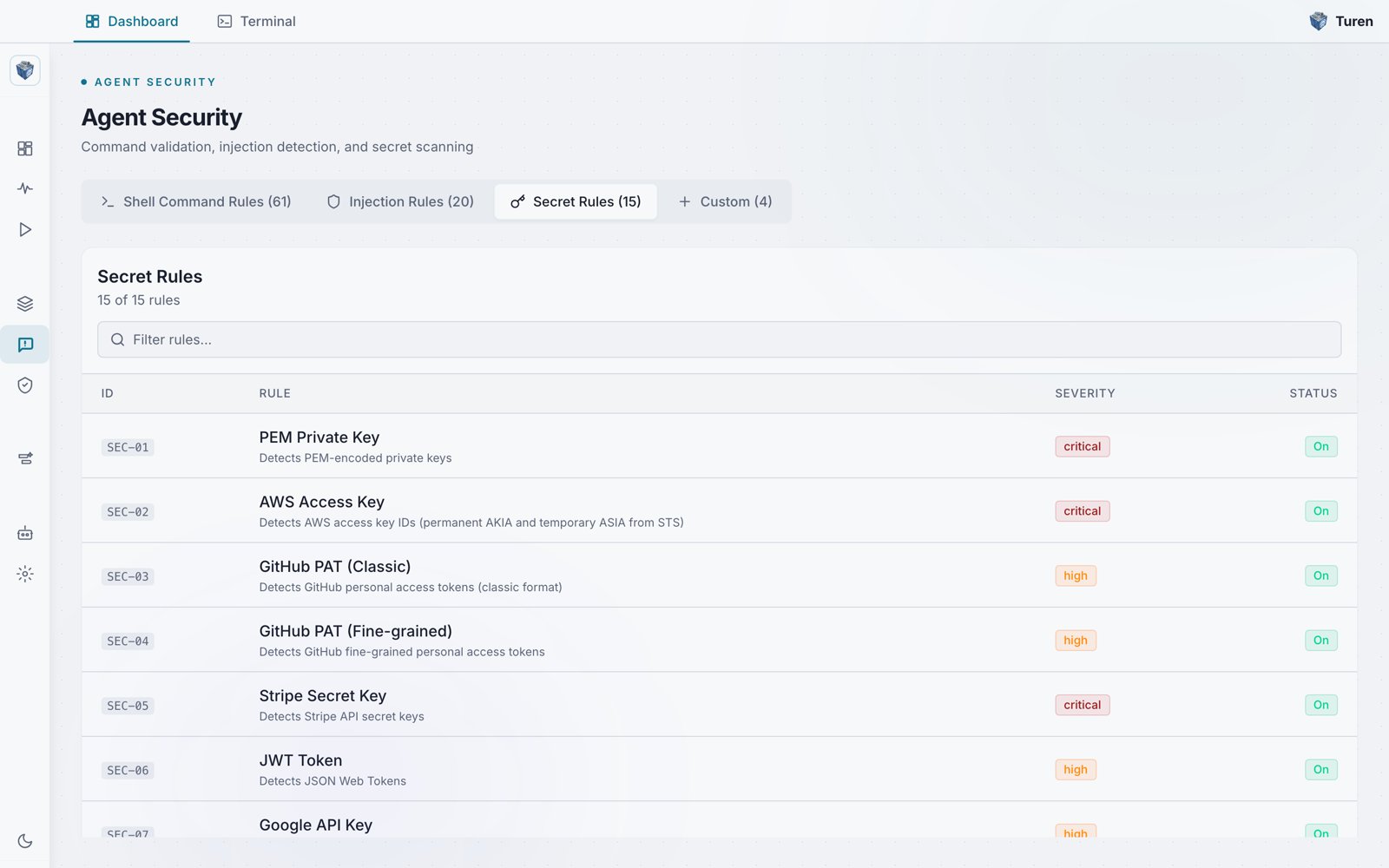
The Secret Rules tab of the Agent Security page, showing 15 of 15 rules including SEC-01 PEM Private Key, SEC-02 AWS Access Key, SEC-03 GitHub PAT, SEC-05 Stripe Secret Key, and SEC-06 JWT Token.
Where to Find These Rules
Go to Agentic Security > Agent Security (/security/prompt) and select the Secret Rules tab. You can filter rules using the search bar above the table.
What’s Detected
API Keys and Tokens
Private Keys and Certificates
Connection Strings
How It Works
Secret detection runs as agent hooks on both requests (what’s sent to the LLM) and responses (what the agent outputs). This two-way scanning catches:- Secrets in tool output: If Claude Code reads a file containing API keys, the secret pattern is detected and flagged
- Secrets in responses: If the agent attempts to include credentials in its output, they are caught
Advanced Settings
From Agentic Security > Security Settings (/security/settings), expand the Secret Detection Settings section to configure:
You can also toggle the entire secret detection module on or off from the Detection Modules section.
Example
Tuning
If your workflow triggers false positives:- Disable individual rules: Click the rule row in the Secret Rules tab to toggle it off
- Adjust entropy settings: Raise the entropy threshold or minimum token length to reduce noise
- Create custom rules: Add patterns specific to your organization’s credential formats