

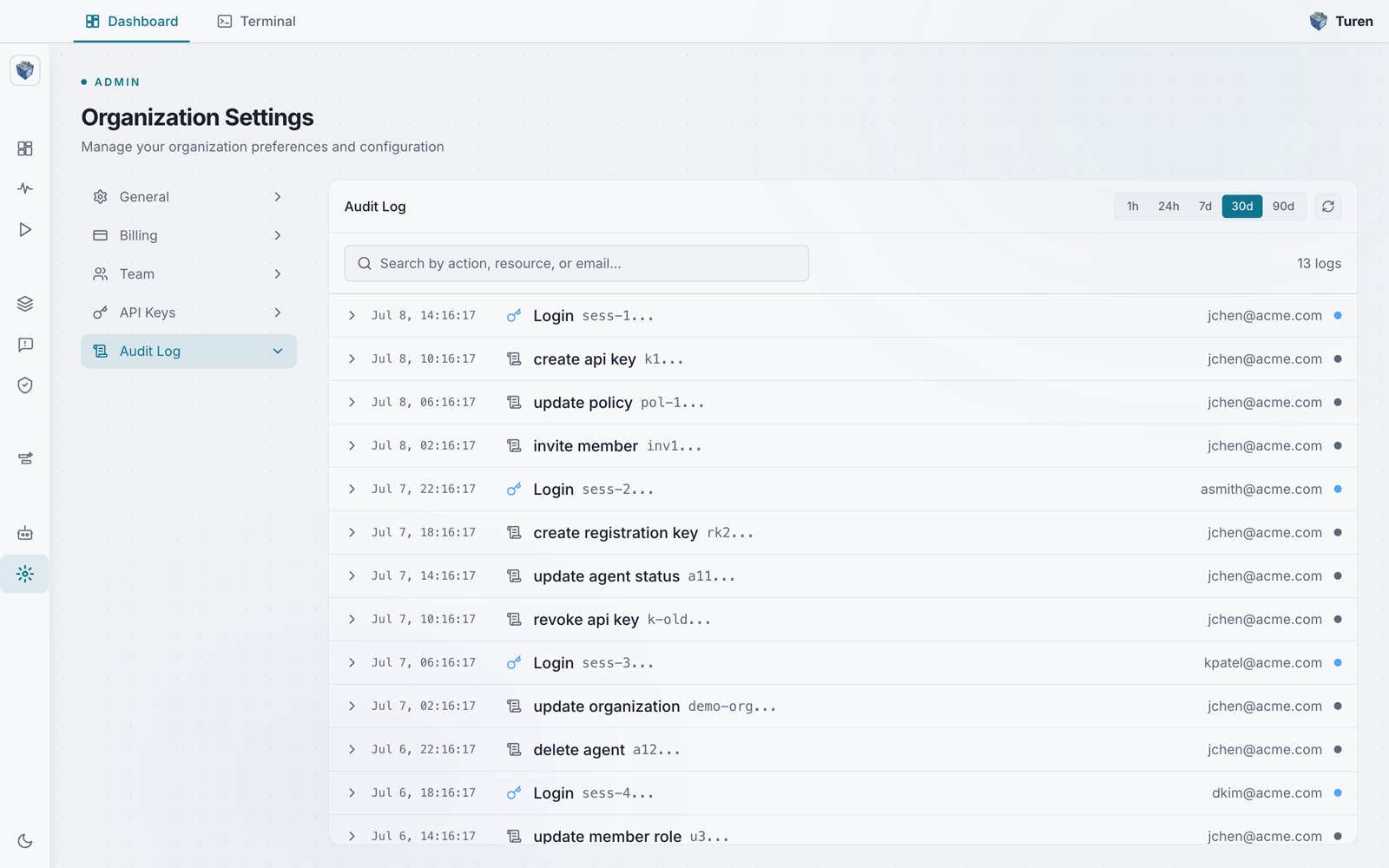
The Audit Log tab in Organization Settings, showing timestamped actions, their actors, and time-range filters.
What’s Logged
The following actions create audit log entries:Viewing Audit Logs
Navigate to Platform Settings > Organization Settings > Audit Log (/settings/audit-log) to browse the full log. Each entry shows:
Click any log entry to expand its details, which include:
- Audit ID: Unique identifier for the log entry
- Resource type: Category of the affected resource (API Key, User, Invitation, etc.)
- IP address: Source IP of the action
- Details: Additional context in JSON format
Filtering
Use the search box and time range controls to narrow down the log:- Time range: Quick-select pills: 1h, 24h, 7d, 30d, or 90d
- Search: A single search box matches across the action, resource, or actor email (for example “create api key” or “jchen@acme.com”)
Use Cases
Compliance
Demonstrate to auditors that access and changes are tracked and attributable.
Incident Investigation
Trace back who made a change and when, if something goes wrong.
Change Management
Track when policies were modified and by whom.
Access Review
Review who was added or removed from the team and when.