

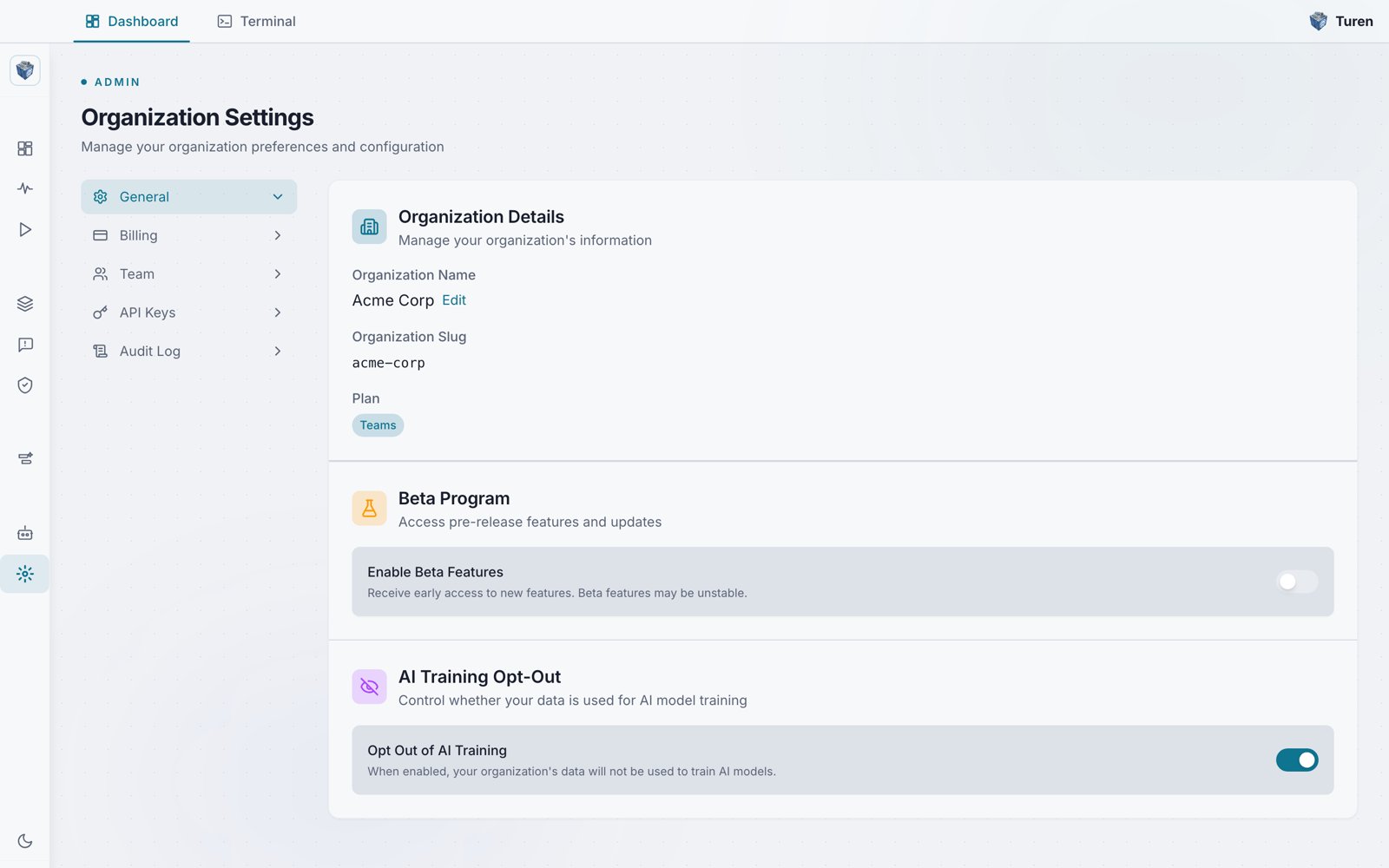
Organization Settings (General tab): organization details, beta program, and AI training opt-out.
Creating an Organization
When you sign up at dashboard.turen.io, an organization is created automatically. You become the organization’s first admin.1
Sign up
Enter your email and create a password. You’ll receive a verification email.
2
Verify your email
Click the link in the verification email to confirm your account.
3
Set up your organization
Enter your organization name. This can be changed later in Settings.
Organization Settings
Navigate to Platform Settings > Org Settings > General (/settings/general) to view and manage:
- Organization name: Displayed throughout the dashboard (editable by admins)
- Organization slug: URL-friendly identifier (read-only)
- Plan: Your subscription (Teams)
- Beta Program: Toggle to opt in or out of pre-release features (admin only)
- AI Training Opt-Out: Toggle to prevent your organization’s data from being used for AI model training (admin only)
/settings/billing). See Billing for details.
What’s Scoped to Your Organization
Everything in Turen is scoped to your organization:Next Steps
After creating your organization:- Invite your team
- Generate registration keys for your machines
- Install the agent on developer machines