

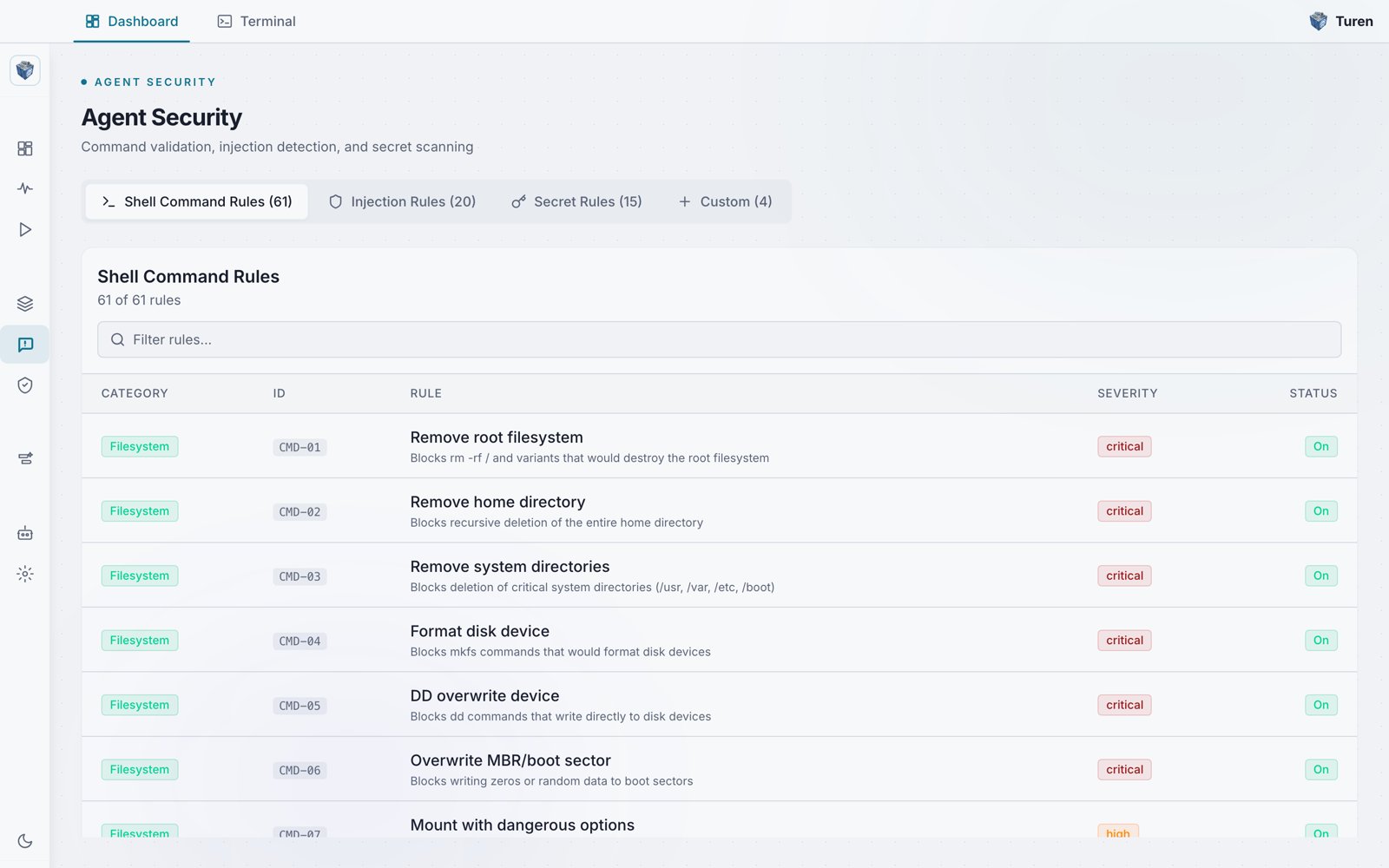
The Agent Security page groups rules into Shell Command Rules, Injection Rules, and Secret Rules tabs, with the Custom tab for your own rules.
Creating a Custom Rule
Navigate to Agentic Security > Agent Security (/security/prompt) and select the Custom tab. Click Add Rule to open the Create Rule Wizard.
The wizard walks you through three steps:
Step 1: Choose a Type
Select what kind of content the rule should evaluate:Step 2: Define the Pattern
Give your rule a name and write a regex pattern that matches the content you want to catch. You can start from a template or write a custom pattern from scratch. The wizard validates your regex in real time and shows a live preview of the rule on the right sidebar. Examples:Step 3: Configure Behavior
Set how Turen should respond when the pattern matches:Examples
Block Production Database Access
Prevent agents from connecting to production databases:- Type: Command
- Pattern:
psql.*prod-db|mysql.*production|mongosh.*prod - Severity: Critical
Flag Internal URL References
Catch when agents reference internal services:- Type: Secret
- Pattern:
https?://[a-z]+\.internal\.company\.com - Severity: Low
Block Deployment Commands
Prevent agents from deploying directly:- Type: Command
- Pattern:
(terraform apply|helm install|kubectl apply).*--auto-approve - Severity: High
Managing Custom Rules
From Agentic Security > Agent Security > Custom tab, you can:- Toggle a rule On or Off by clicking the status badge, which shows On when the rule is enabled
- Delete a rule permanently using the trash icon
- Add new rules at any time
Custom rules are included in your Teams plan.